
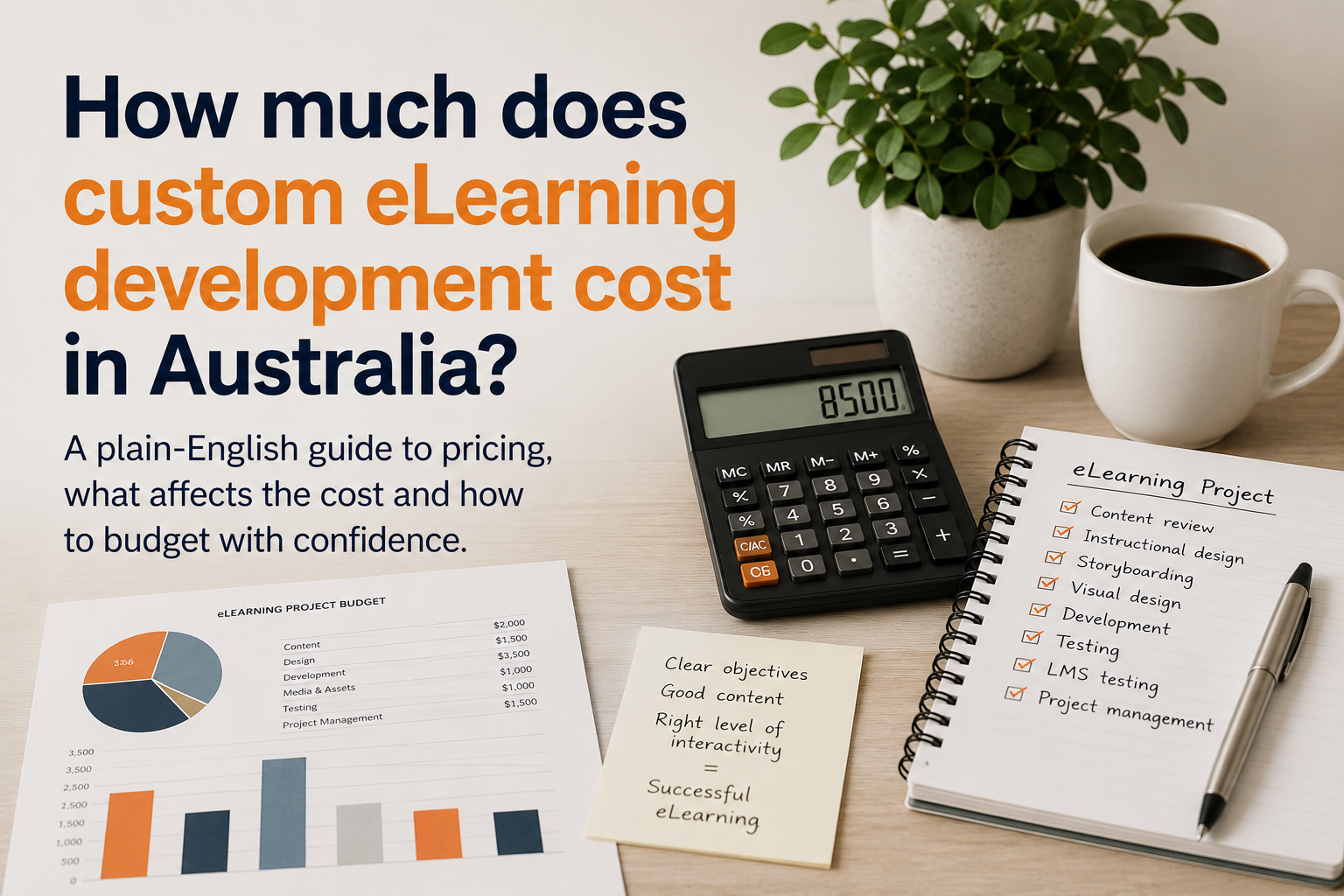
One of the first questions people ask about online learning is simple:
How much does custom eLearning development cost in Australia?
The honest answer is that it depends on the project.
That can sound frustrating, but it is true. A short, simple module built from well-prepared content will cost much less than a custom course with scenarios, narration, assessment, animation, accessibility checks and LMS testing.
So, instead of looking for one fixed price, it is better to understand what affects the cost.
This article explains the main pricing factors, typical cost ranges and how to budget more confidently for an eLearning project.
Why eLearning costs vary so much
Custom eLearning is not one standard product.
One project might involve turning a clean slide deck into a short online module. Another project might involve rewriting dense source content, designing scenarios, building knowledge checks, recording narration, creating visuals and testing the course in an LMS.
Those are very different jobs.
As a result, the cost depends on the amount of design, development and testing required.
The biggest cost factors are usually:
- the condition of the source content
- the length of the finished module
- the level of interactivity
- the amount of writing or rewriting required
- the use of narration, video, animation or custom visuals
- the need for SCORM publishing and LMS testing
- the number of review and revision rounds
In other words, the clearer the project is at the start, the easier it is to quote accurately.
Typical eLearning development costs in Australia
The table below provides broad cost ranges for custom eLearning development in Australia.
These are general guide figures only. Every project still needs to be scoped based on its purpose, content, audience, delivery platform and review requirements.
| Type of eLearning project | Typical cost guide AUD ex GST |
|---|---|
| Light PowerPoint-to-eLearning conversion | $1,100–$3,500 |
| Short module, around 5–15 minutes | $2,500–$6,000 |
| Medium module, around 15–30 minutes | $6,000–$12,000 |
| Custom Storyline module with scenarios or richer interaction | $10,000–$20,000+ |
| Complex or multi-module course | $20,000+ |
| Hourly instructional design or eLearning support | $125–$170 per hour |
These ranges are not fixed market prices. Some providers quote lower for rapid development. Others start higher because they include more instructional design, project management, media development, testing and review support.
The key question is not only “What does it cost?”
A better question is:
What is included in the price?
What makes an eLearning project cheaper?
An eLearning project is usually cheaper when the source content is already clear, current and well structured.
For example, costs are easier to control when:
- the content is accurate and up to date
- the target audience is clearly defined
- the learning purpose is clear
- the source documents are organised
- the module does not need complex interaction
- branding and visual assets are available
- review and approval are straightforward
- LMS requirements are known early
Good preparation reduces guesswork.
It also reduces rework. That matters, because rework can quickly increase the final cost.
What makes an eLearning project more expensive?
A project usually costs more when the content needs heavy development before it can become useful online learning.
Common cost drivers include:
- long or messy source documents
- unclear learning outcomes
- missing trainer explanation
- complex scenarios or branching paths
- custom graphics or animation
- voiceover scripting and audio production
- video production or editing
- assessment-style quiz design
- accessibility requirements
- SCORM publishing and LMS troubleshooting
- urgent deadlines
- multiple stakeholder review cycles
These items are not necessarily problems. In fact, many of them can improve the final learning experience.
However, they add time, skill and testing.
PowerPoint conversion is not always simple
A PowerPoint conversion can sound like a quick job.
Sometimes it is.
If the slide deck is clear, current and already structured for self-paced learning, it may only need light rewriting, visual clean-up and simple interaction.
However, many slide decks were originally designed for classroom delivery. They rely on the trainer being there to explain the content, tell stories, answer questions and fill in the gaps.
When that material moves online, the missing trainer explanation needs to be rebuilt.
The module may also need:
- clearer instructions
- examples
- learner activities
- knowledge checks
- feedback
- a better learning sequence
- a completion or assessment point
So, while a PowerPoint may be the starting point, it is not always the finished learning design.
Rise or Storyline can affect the price
The authoring tool can also affect cost.
Rise is often a good fit for clean, responsive modules with structured content, simple interactions and knowledge checks. It can work well for short courses, inductions, policy explainers and straightforward training modules.
Storyline is better when the course needs more control or custom interaction. This may include scenarios, branching, simulations, complex quiz logic, custom navigation or highly visual activities.
As a rough guide:
| If the module needs… | A likely option |
|---|---|
| Simple structure and responsive design | Rise |
| Custom interaction or branching | Storyline |
| Scenario-based decisions | Storyline |
| Short induction or policy explanation | Rise |
| Complex assessment logic | Storyline |
| Fast, clean module development | Rise |
The right tool should match the learning need.
Choosing the wrong tool can either limit the learning experience or increase the cost unnecessarily.
SCORM and LMS testing should be included
Many organisations need their course to run inside a Learning Management System, or LMS.
That often means publishing the course as a SCORM package.
SCORM helps the module report information back to the LMS, such as:
- completion
- score
- pass or fail status
- progress
- resume behaviour
- attempts
This testing matters.
A course can work perfectly in preview but fail to track correctly once uploaded to the LMS. For example, the learner may complete the module, but the LMS may still show them as incomplete.
If completion evidence matters, allow time for LMS testing.
A cheaper quote is not always a better quote
A low quote may be completely suitable for a simple job.
However, it is worth checking what the quote includes.
Before comparing prices, ask whether the quote includes:
| Item | Included? |
|---|---|
| Content review | |
| Writing or rewriting | |
| Instructional design | |
| Visual design | |
| Knowledge checks | |
| Scenario writing | |
| Voiceover scripting | |
| SCORM publishing | |
| LMS testing | |
| Accessibility checks | |
| Review rounds | |
| Source files | |
| Post-launch support |
A cheaper quote may become more expensive later if important work has been left out.
How to budget for an eLearning project
Before asking for a quote, prepare a simple project brief.
It does not need to be complicated. However, it should answer the main questions a developer will ask.
Try to clarify:
- who the learners are
- what the learners need to know or do
- what source content already exists
- whether the content is current
- where the module will be delivered
- whether SCORM is required
- whether completion or score needs to be tracked
- whether a quiz is required
- who will review the module
- when the module needs to be ready
This will help the developer recommend a practical approach.
It will also help avoid a quote based on assumptions.
A practical example
Imagine you have a 30-slide PowerPoint that needs to become a short online induction.
If the content is clear and current, the project may involve:
- light rewriting
- simple visual clean-up
- a clear module structure
- a few interactions
- a short knowledge check
- SCORM export
- basic LMS testing
That is a relatively contained project.
However, if the same PowerPoint is outdated, text-heavy and missing trainer explanation, the work changes.
The project may now require content rewriting, instructional design, new examples, better visuals, scenario questions and a more careful review process.
The source file may look similar at first, but the development effort is very different.
Questions to ask before approving a quote
Before choosing a provider, ask:
- What exactly is included?
- What is excluded?
- How many review rounds are included?
- Who writes or rewrites the content?
- Who creates the knowledge checks?
- Is SCORM publishing included?
- Is LMS testing included?
- What happens if the LMS does not track properly?
- Are source files provided?
- What support is available after delivery?
Clear answers help prevent surprises later.
The plain-English answer
Custom eLearning development in Australia can cost anywhere from a few thousand dollars for a simple module to tens of thousands for a complex custom course.
The final price depends on the source content, the learning design, the level of interaction, the media requirements, the LMS setup and the review process.
A good quote should explain the scope clearly.
It should also make it clear what is included, what is not included and what assumptions the price is based on.
Need a realistic eLearning quote?
PeppercornMedia helps organisations turn existing content into clear, practical and LMS-ready online learning.
If you have a PowerPoint, learner guide, policy, procedure or rough course outline, send through what you have and what you need it to become.
Discuss a project with PeppercornMedia

Simon Peppercorn
eLearning Developer & Training Design Professional
Simon is the founder of PeppercornMedia, with over 20 years of experience in the Australian VET sector. He develops clear, practical online learning for organisations that need training built properly. Learn more